Open-source software · 2025–present
FieldNeuroToolbox (FNT)
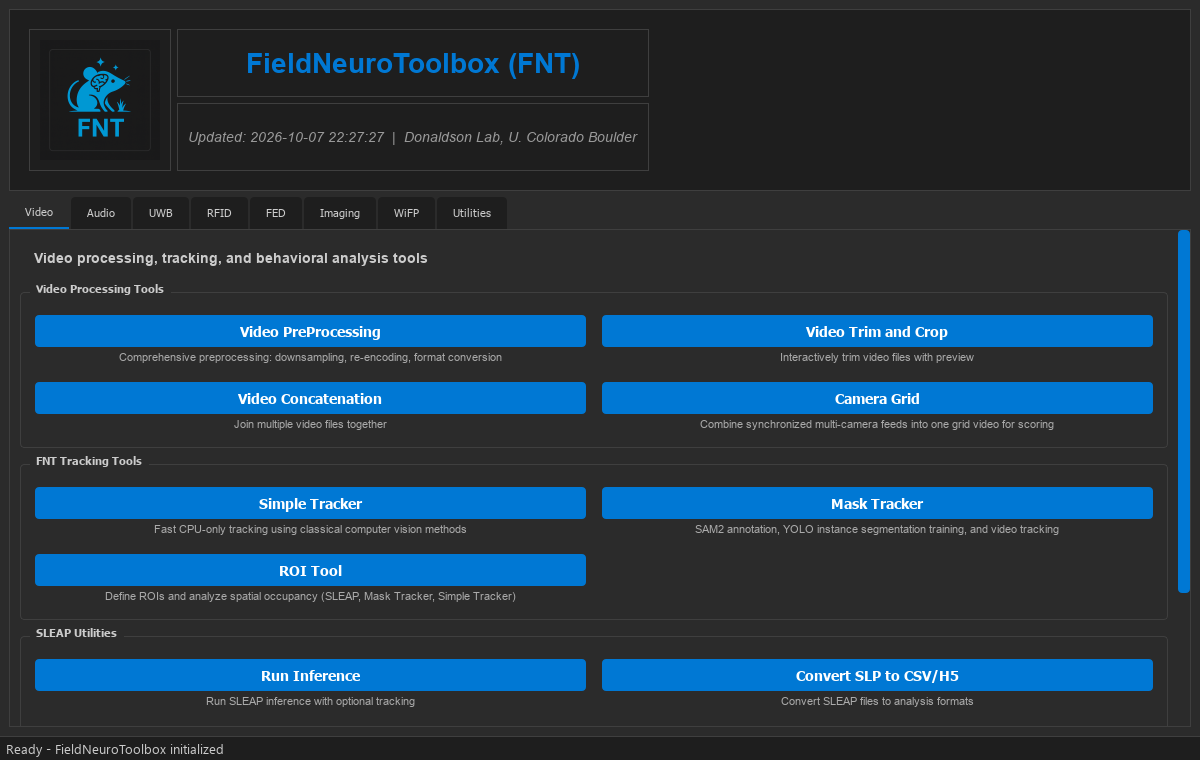
FieldNeuroToolbox (FNT) is free, open-source software for working with field neuroethology data. It brings tools for audio, video, animal tracking, RFID, ultra-wideband positioning, fiber photometry and imaging together in one desktop app. FNT runs on an ordinary laptop (Windows, macOS or Linux, with no Python installation needed), so the work can travel with the research, including to field sites far from any lab.
FNT is in active development. A manuscript describing it is in preparation; until it is out, please cite the repository.
What's inside
Graphical tools for the data types common in field and laboratory neuroethology.
Video processing
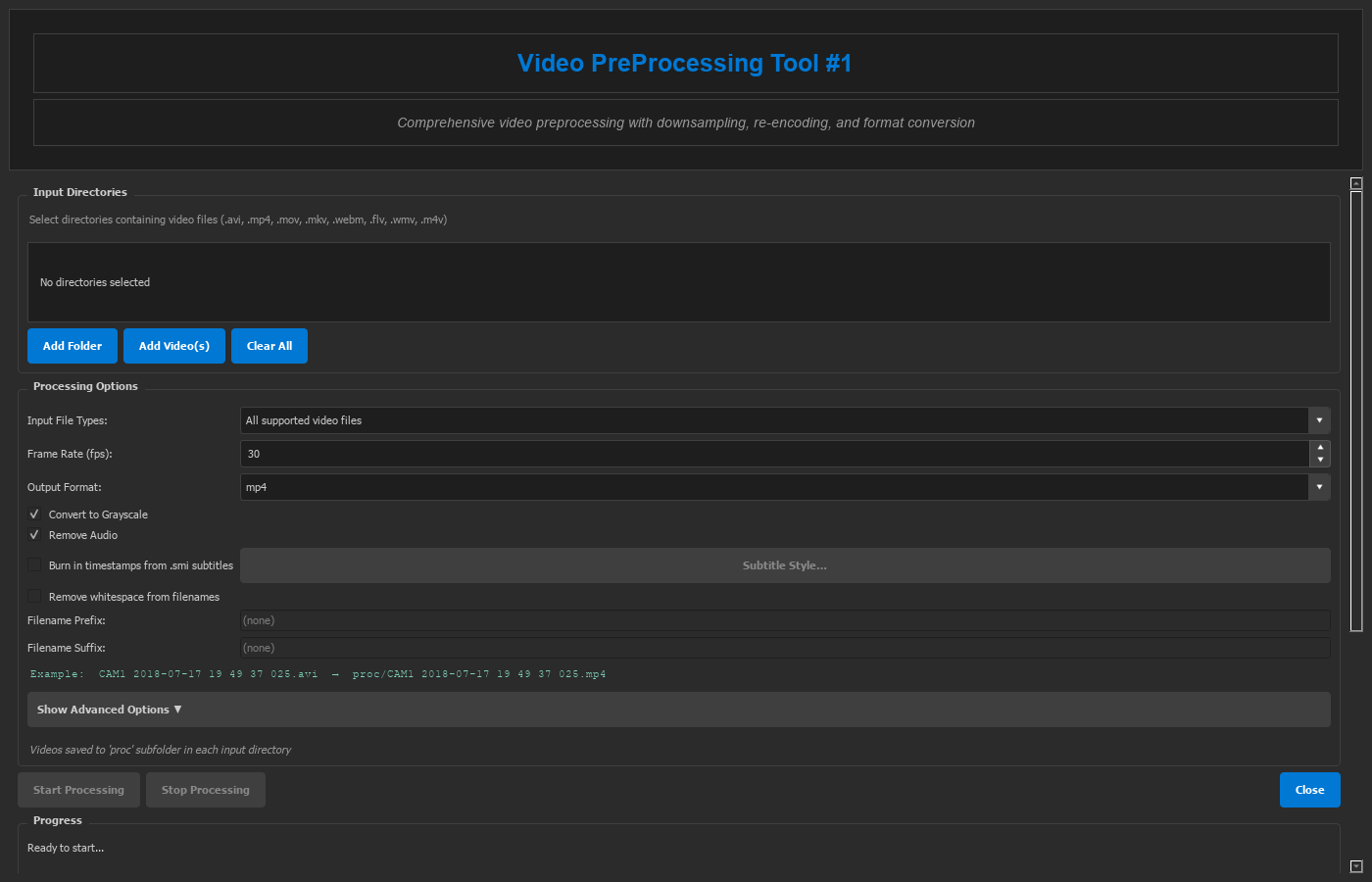
Preprocessing and re-encoding, trimming and cropping, joining recordings, and multi-camera grid videos for scoring.
Video tracking and scoring
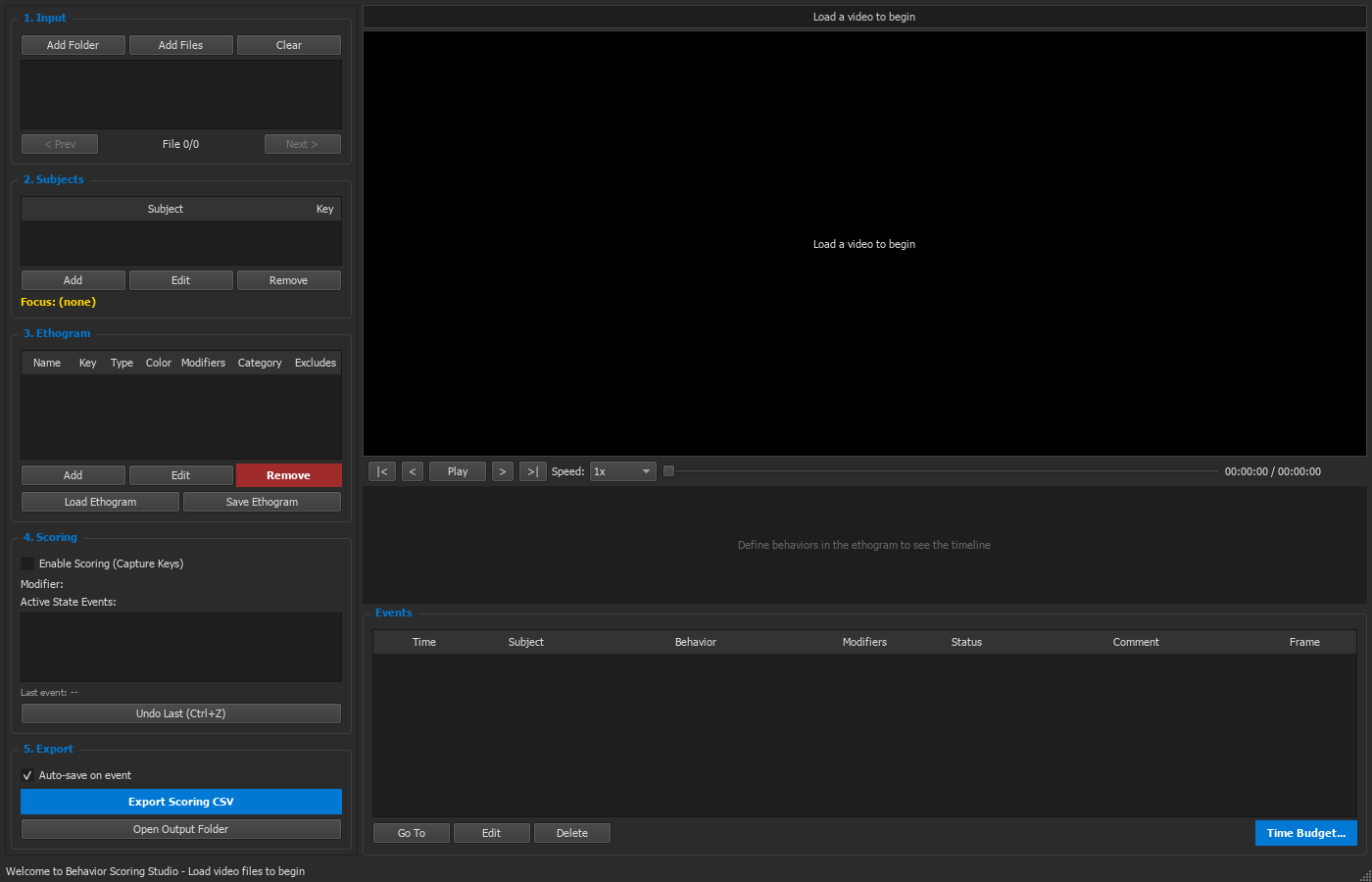
A fast classical tracker, the Segment Anything–based Mask Tracker, ROI occupancy, SLEAP utilities and the Behavior Scoring Studio.
Audio and ultrasonic vocalizations
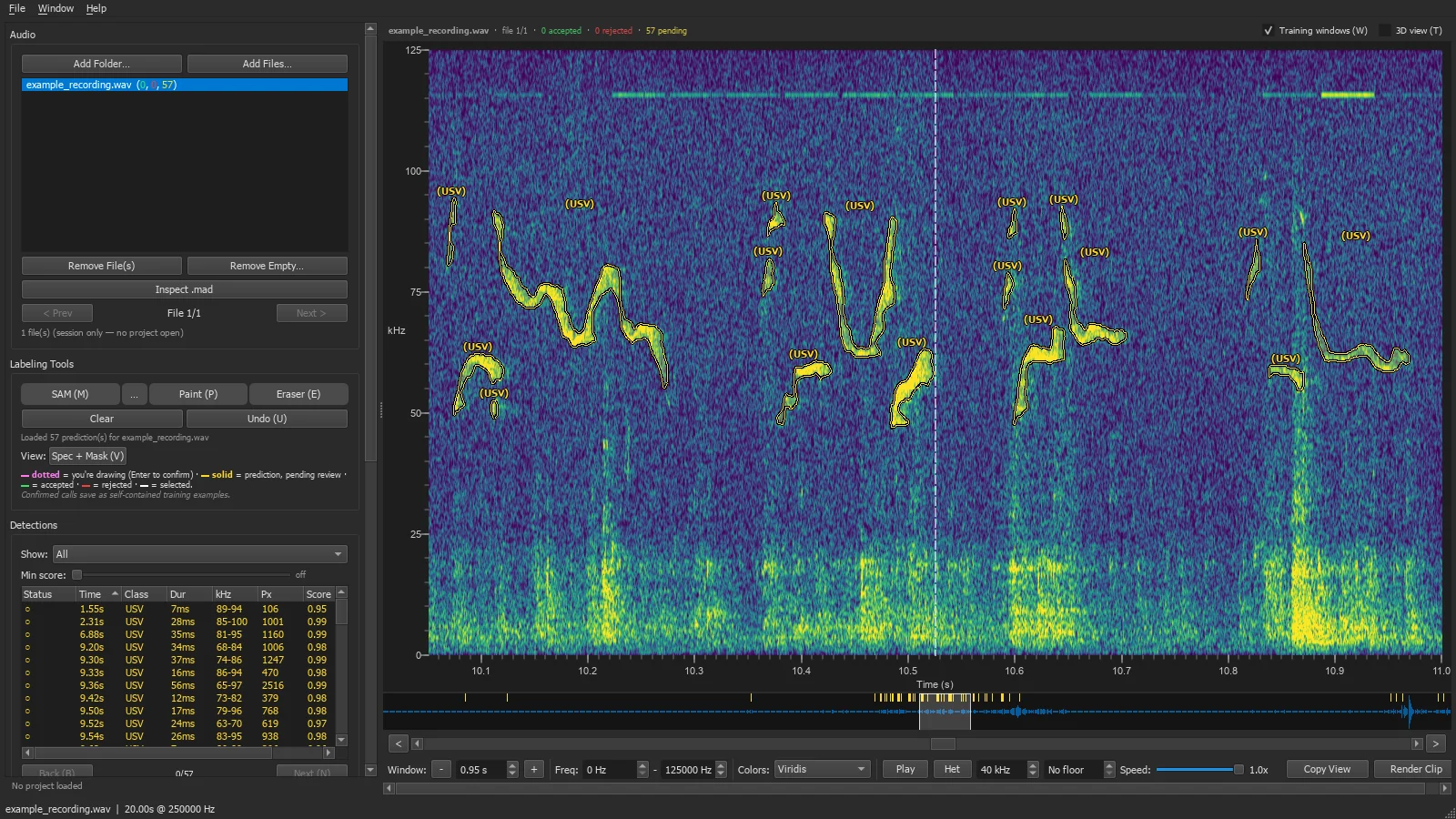
Detect, review and classify vocalizations in long recordings, including the Mask Audio Detector featured below.
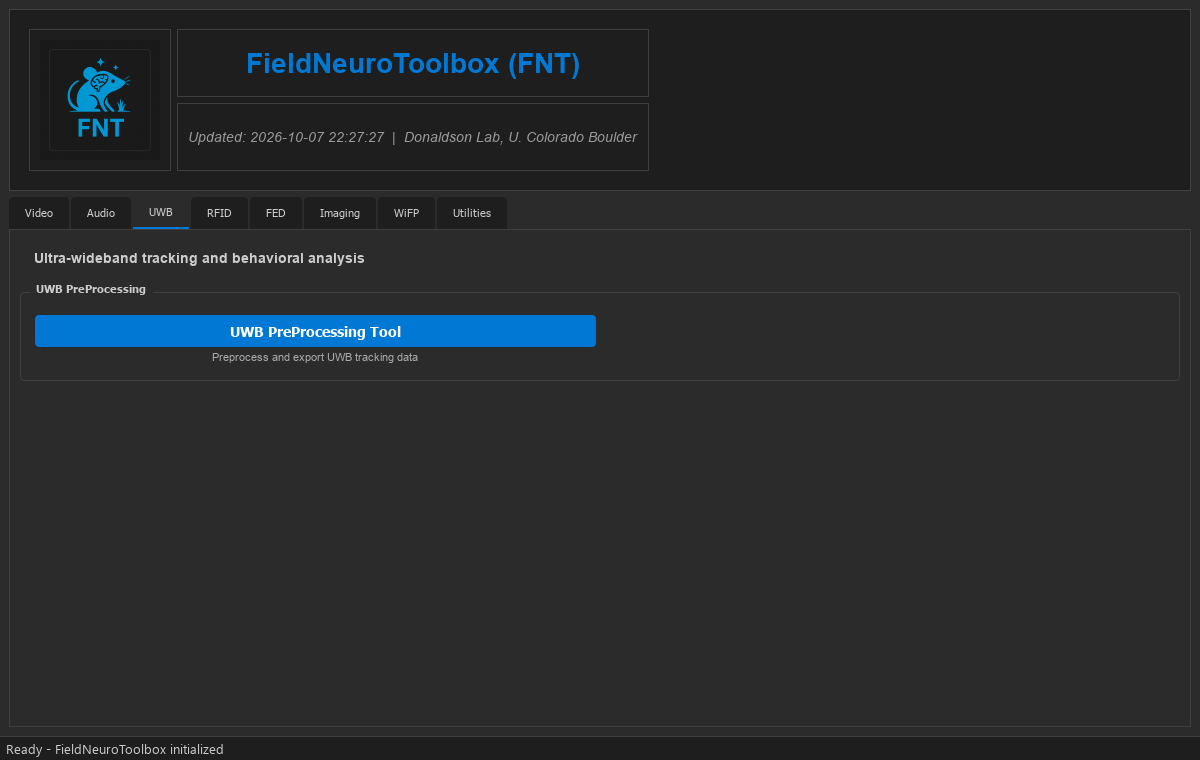
Ultra-wideband tracking
Preprocessing of ultra-wideband positional data and proximity analysis.
RFID tracking
From reader downloads to cleaned reads, visits, zone holders and co-occupancy, with quality-control reports.
Feeding devices
A module for FED3 feeding experimentation devices.
Imaging
Viewing and processing Zeiss CZI microscopy images, and cell quantification.
Fiber photometry
Batch processing of Doric wireless fiber photometry recordings: ΔF/F, video sync and export.
Video
Tools for the everyday work on behavioral video: preprocessing and re-encoding, trimming and cropping, joining recordings, and combining synchronized cameras into one grid video for scoring. For tracking there is a fast classical tracker and the Mask Tracker, which uses the Segment Anything Model to annotate animals, trains an instance-segmentation model and tracks with it; an ROI tool turns those tracks, or SLEAP's, into time spent in each region. The Behavior Scoring Studio handles manual annotation with an ethogram, a timeline and video playback.
Audio: the Mask Audio Detector (MAD)
Many rodents call to each other at frequencies far above human hearing, and a single experiment can produce weeks of recordings. MAD finds those calls with a deep-learning model that learns from examples you draw directly on the spectrogram.
- Label. Click a call on the spectrogram and the Segment Anything Model proposes its outline; a brush and eraser refine it.
- Train. Confirmed calls train a segmentation network (U-Net) that marks every pixel belonging to a call.
- Detect. The trained model runs across whole recordings (fastest on a GPU), from the app or the command line.
- Review. Accept or reject each detection in the app; every decision becomes new training data for the next round.
In the app
Ultra-wideband tracking
Ultra-wideband tags give a continuous position for every animal. FNT's UWB preprocessing tool cleans and exports those tracks and measures how close animals come to one another.
Get FNT
- Desktop app. Download the latest release for Windows, macOS or Linux from
GitHub Releases, unzip it and run
fnt. Video tools also need ffmpeg. - From source. Install the Python package to modify the code or script the tools; see the installation guide.
- Questions and requests. Please open an issue for bugs or features.
- License. GNU Affero General Public License v3.0 or later.
If FNT helps your research, please cite the repository:
@software{fnt,
  title  = {FieldNeuroToolbox (FNT)},
  author = {Vogt, Caleb C. and Garmany, Samuel and Lorman, Sophia G. and Donaldson, Zoe R.},
  url    = {https://github.com/calebvogt/fnt}
}
Recordings shown are rodent ultrasonic vocalizations from ongoing, unpublished work.